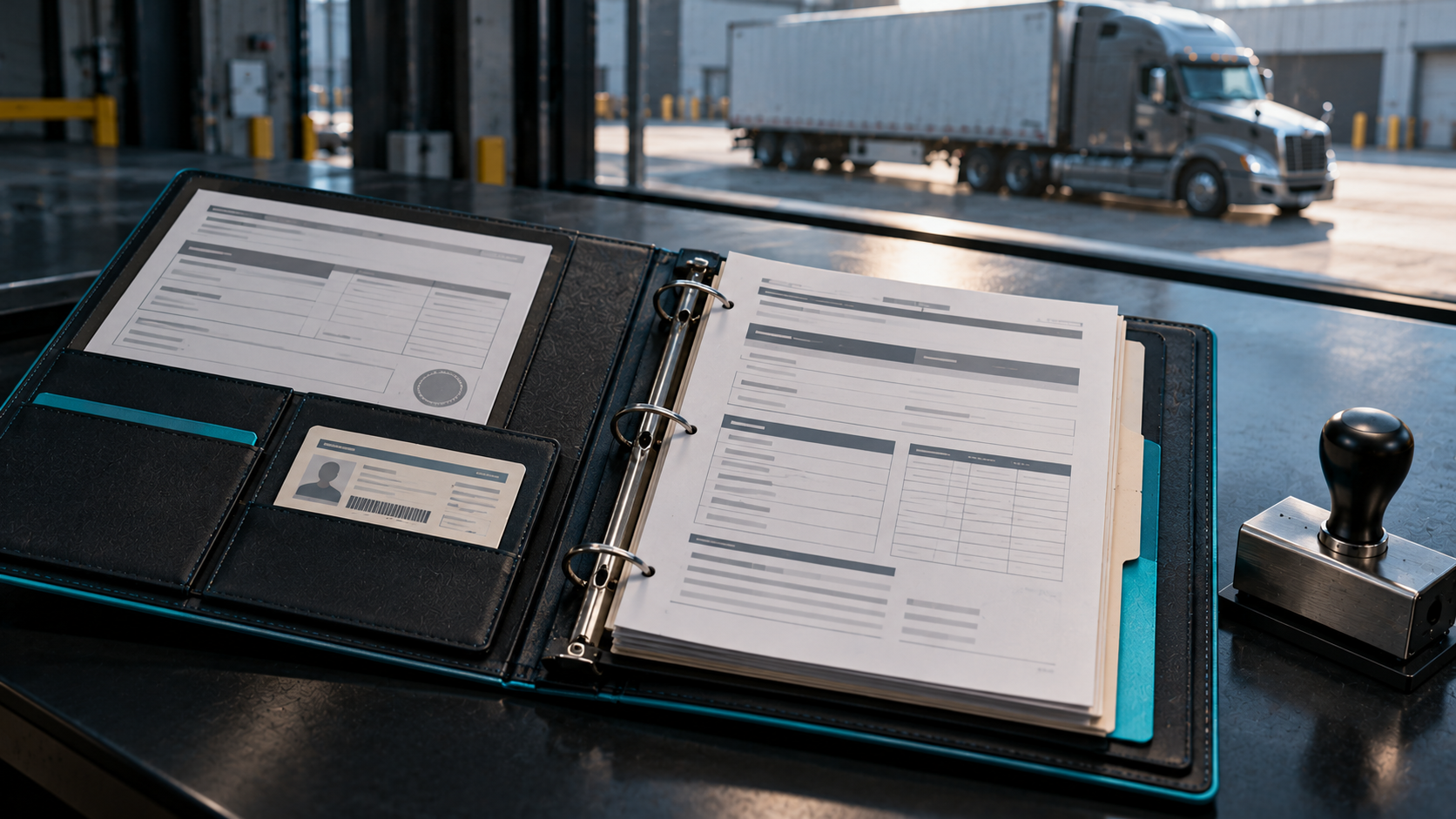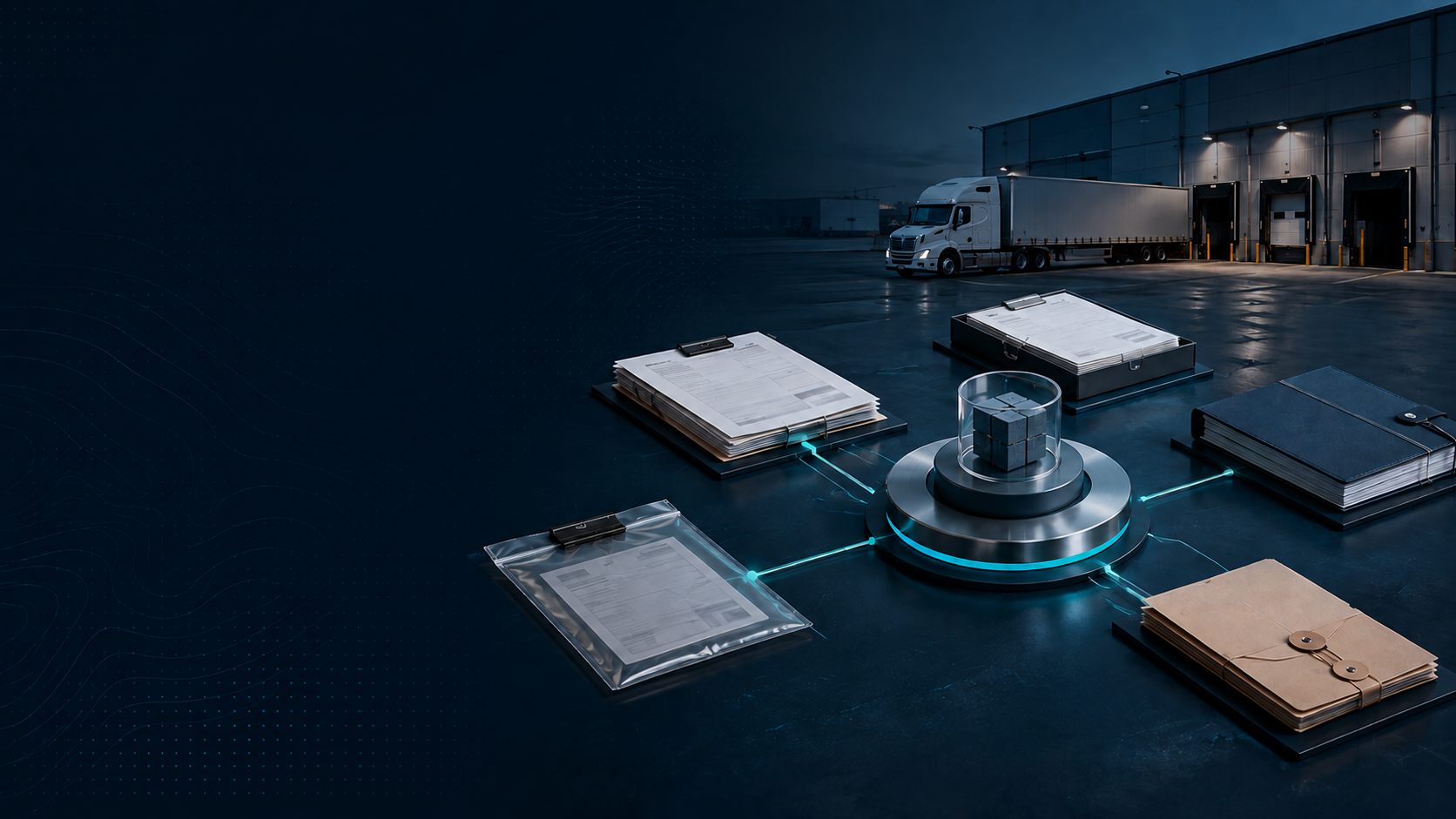
Freight teams do not usually lose time because a document never existed. They lose time because the document is somewhere else: in an email thread, a carrier portal, a shared drive, a desktop folder, or a message from someone who is out of office.
Freight document management creates a more reliable operating system for the paperwork behind transportation. Instead of treating shipping documents as attachments that live outside the shipment, the goal is to connect each record to the load, order, provider, and event it belongs to.
For shippers, that can make everyday freight operations easier to manage. The team spends less time searching for a BOL, invoice, photo, or delivery record and more time handling active exceptions, billing questions, claims, and customer needs.
What Counts as Freight Paperwork?
The exact document set depends on mode, commodity, geography, and customer requirements. Common domestic records include:
rate confirmations and quote records;
pickup and delivery appointments;
delivery receipts and proof-of-delivery files;
freight invoices and accessorial backup;
photos, exception notes, and OS&D records;
carrier insurance or compliance records when relevant.
International and global trade workflows can introduce additional records such as packing lists, commercial invoices, certificates of origin, customs forms, customs declarations, and other customs documentation.
The point is not that every shipper needs every document. It is that the document set should be predictable, organized, and connected to the operational context around it.
Why Email and Shared Folders Break Down
An inbox can store a document, but it does not create a dependable process around that document.
As shipment volume grows, teams run into recurring problems:
different people save the same file under different names
a revised document replaces the original without clear version control;
someone cannot tell whether a POD is final
the accounting team receives an invoice without the shipment context needed to review it
claims support begins with a search across emails and text messages
a customer asks for a record, and the logistics team has to reconstruct the history manually.
This is why digitization alone is not enough. Scanning paper into a PDF does not solve document control if the file is still disconnected from the shipment.
What a Freight Document Management System Should Do
A useful freight document management system should turn documents into part of the workflow rather than a separate filing task.
Centralize Documents by Shipment
The first requirement is simple: every document should be easy to find from the shipment record. That includes current files and the history behind them.
A logistics document management system can help teams organize records by shipment number, order, carrier, lane, facility, date, or another consistent identifier. For containerized freight, that may include container numbers; for domestic truckload or LTL, it may center on the BOL or internal shipment ID.
Create Clear Audit Trails
Good audit trails answer who added, changed, approved, or replaced a record and when. That matters for billing questions, customer disputes, claims, and internal review.
A system should make it clear which document is current without destroying useful history. That is where version control becomes important.
Support Automated Workflow
Document handling is a strong candidate for an automated workflow because many steps are repetitive. A system can trigger a request for a missing POD, associate an invoice with a shipment, alert a user that required paperwork is incomplete, or route a record for review.
Workflow automation should reduce follow-up without removing the human review required for exceptions or sensitive decisions.
Make Records Searchable
Some logistics document management software uses OCR, or optical character recognition, to extract text from scanned or image-based records. That can make it easier to search document contents or capture key fields without typing everything manually.
OCR should be treated as an assistive tool, not an excuse to skip validation. Important fields such as charges, dates, commodity details, or reference numbers may still need review before they become trusted supply chain data.
How Document Management Connects to TMS and ERP Workflows
Freight documents are most useful when they sit inside the systems where work already happens.
A TMS can connect booking, shipment status, documents, carrier communication, and billing context. An ERP can connect transportation records to orders, customers, accounting, and other business processes. When these systems share data appropriately, teams can reduce duplicate entry and improve traceability.
That is particularly useful for supply chain management because a shipment document often explains an operational event. A delivery receipt may confirm completion. A photo may explain damage. An invoice may show an accessorial. A revised BOL may explain why the final shipment differs from the original order.
The goal is not to make every system hold every file. It is to create a clear system of record and reliable links between transportation and the rest of the supply chain.
Domestic and Customs Documentation Require Different Controls
Shippers should not treat all records as interchangeable. Domestic freight documentation often focuses on execution, billing, proof of delivery, and claims. Cross-border workflows may include additional regulatory compliance and customs clearance requirements.
In those cases, teams may coordinate with freight forwarders, customs brokers, and customs authorities. Required documentation can vary by shipment and jurisdiction, so software should support an organized process without pretending to replace qualified customs or legal guidance.
A platform can help make customs documentation easier to collect and retrieve, but shippers should still work with appropriate advisors for legal or regulatory questions.
What to Look for in Freight Document Management Software
When comparing a dedicated DMS, a broader TMS, or a freight document management system, focus on how the product fits real freight work.
Search and Retrieval
Can a user find the right file in seconds? Search should work across shipment references, provider names, document types, dates, and other useful fields.
Permissions and Data Security
Data security matters because freight paperwork can include customer addresses, commercial values, shipment details, and other sensitive information. Ask how user access, permissions, retention, and file sharing are controlled.
Integration and EDI
If your partners or systems exchange transportation data through EDI, determine how documents and structured messages stay connected. The same applies to ERP, TMS, accounting, and CRM integrations.
Workflow Ownership
A system should make it clear who is responsible for a missing or incomplete record. Good document management is not only storage; it is task ownership.
Consistent Naming and Classification
The team should not need to invent a filing structure every time a shipment moves. Standard document types, naming rules, and required fields reduce ambiguity.
What About Platforms Like DocuWare?
Enterprise document platforms such as DocuWare may be useful for broader business-wide document workflows. The evaluation question for a shipper is whether a general document platform understands enough freight context for the operational use case, or whether the team needs document management built into its transportation workflow.
A general DMS may be strong at records management. A freight-focused platform may be stronger at connecting documents to shipment status, provider communication, freight billing, claims, and exception management. Some organizations may use both.
How Lighthouse Approaches Freight Documents
Lighthouse is TILT's shipper-facing platform. Its freight workflow is designed around centralized access to shipment information, including the documents and records required to keep execution organized.
For a shipper, the value is straightforward: freight paperwork should be available where the shipment is managed. That makes it easier to move from quoting and booking into tracking, delivery confirmation, billing review, and exception handling without rebuilding the story from multiple systems.
This also supports analytics. When documents stay connected to the right shipment, the team has a stronger data foundation for understanding accessorials, claims patterns, carrier performance, and spend.
A Practical Freight Document Management Checklist
Before choosing a process or platform, ask:
Which documents are required for each mode and shipment type?
Where do bills of lading, invoices, delivery receipts, photos, and claims records live today?
Can every user identify the current version of a document?
Are audit trails available when a record changes?
Can missing documents trigger an automated workflow?
Do OCR tools improve capture without bypassing human review?
How do TMS, ERP, CRM, and accounting systems exchange document data?
How are permissions and data security managed?
Are customs forms and customs declarations handled through a controlled process when relevant?
Can the team export or retrieve records easily for customers, finance, audits, or claims?
The Bottom Line
Freight document management is not a back-office filing project. It is a critical part of freight execution.
When shipping documents stay connected to shipment status, billing, exceptions, and task ownership, teams can work faster with fewer searches and fewer disconnected handoffs. The right logistics document management software should create control around records while fitting naturally into the systems shippers already use.
If your team is ready to replace scattered freight paperwork with a more connected operating workflow, explore Lighthouse and see how TILT brings shipment information, documents, visibility, and analytics together.
Frequently Asked Questions
Q: What Is Freight Document Management?
A: Freight document management is the process of keeping shipping records organized, searchable, and connected to the shipment they support. The goal is to make documents part of the operating workflow instead of leaving them scattered across inboxes and folders.
Q: Which Freight Documents Should Shippers Centralize?
A: Common records include bills of lading, rate confirmations, delivery receipts, proof-of-delivery files, invoices, accessorial backup, photos, exception notes, and claims support. Cross-border shipments may require additional customs and trade documentation.
Q: How Does OCR Help With Freight Document Management?
A: OCR can make scanned or image-based records searchable and can help capture key fields without manual typing. It should still be paired with validation when dates, charges, reference numbers, or other important shipment data need to be trusted.
Q: Should Freight Documents Live in a TMS or a Separate DMS?
A: It depends on the operating model. A general DMS can support broad records management, while a freight-focused TMS can keep documents connected to booking, tracking, billing, claims, and exceptions; some organizations may use both.
See your freight in a new light.
Lighthouse gives logistics teams live shipment visibility, carrier signals, and exception alerts, without the manual work.
Request Access