Accurate shipment measurements are essential when preparing an LTL freight quote. When a pallet's dimensions or weight are incorrect, the resulting density calculation can affect freight classification, pricing, and final shipping costs.
An LTL density calculator helps shippers determine how much space their freight occupies relative to its weight. This measurement, expressed in pounds per cubic foot, is an important factor in many less-than-truckload (LTL) shipping classifications.
However, density alone does not always determine freight class. Understanding how to calculate density, verify shipment details, and apply classification rules helps businesses prepare accurate freight records and avoid unnecessary charges.
What Is LTL Freight Density?
Freight density measures how much a shipment weighs compared with the space it occupies.
In LTL shipping, multiple customers share available trailer capacity. Two shipments with the same weight may take up different amounts of space, influencing how carriers evaluate transportation requirements.
Density is expressed in pounds per cubic foot (PCF). A heavier shipment occupying relatively little space has higher density, while a lightweight shipment requiring more space has lower density.
For example, a compact pallet of industrial materials may have higher freight density than a similarly sized pallet of lightweight packaged products.
Because trailer capacity is limited by both weight and available space, density can influence freight rates and shipping costs.
However, the relationship between density and price depends on the applicable freight classification and carrier pricing structure.
How to Use an LTL Density Calculator
A density calculator uses shipment dimensions and total weight to calculate the shipment's weight per cubic foot.
Accurate measurements are essential because small errors in height or packaging can change the calculated result.
Step 1: Measure Length, Width, and Height
Measure the outside dimensions of the fully packaged shipment in inches.
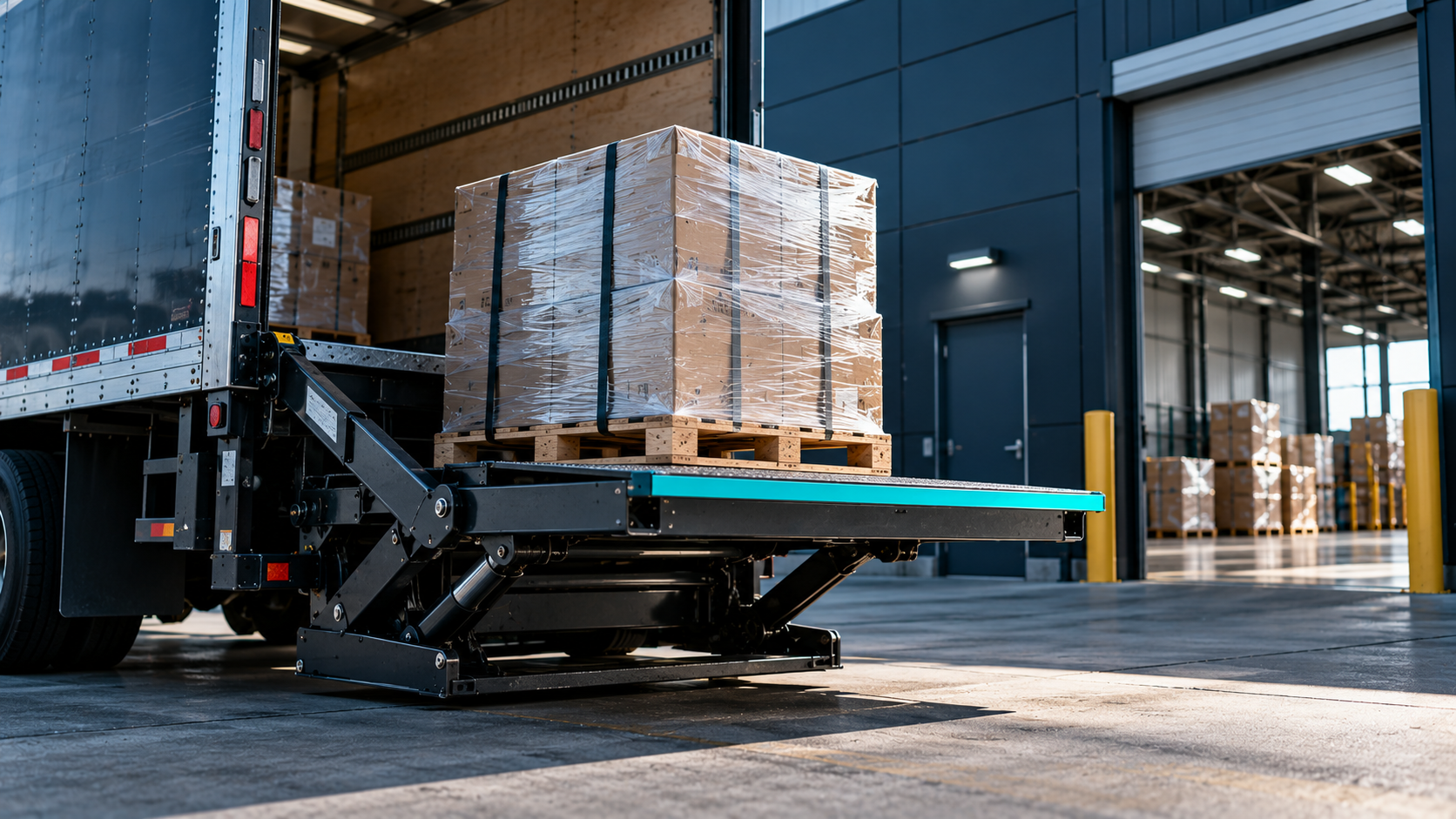
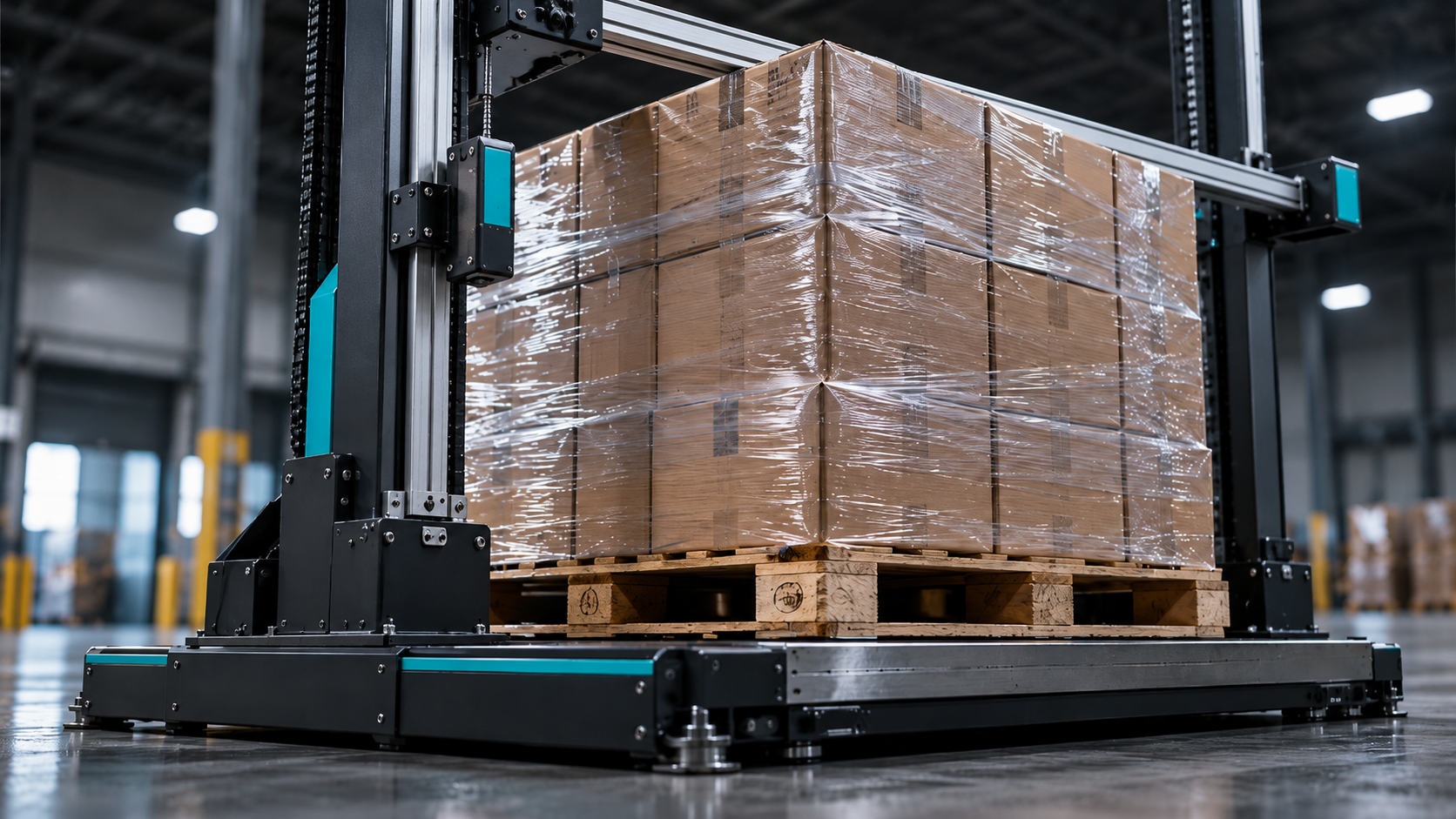
Include the pallet, wrapping, protective materials, and any products extending beyond the pallet edges.
For palletized freight, use the maximum length, width, and height rather than individual product dimensions.
Step 2: Calculate Total Cubic Feet
Multiply the three dimensions to determine cubic inches, then divide by 1,728.
Cubic feet = (Length × Width × Height) ÷ 1,728
This converts the shipment's occupied space into cubic feet.
Step 3: Determine Total Shipment Weight
Record the complete shipment weight in pounds.
The total weight should include the products, pallet, packaging, and other materials included in the loaded shipment.
Use an accurate scale rather than relying exclusively on product catalog specifications.
Step 4: Calculate Freight Density
Divide the shipment's total weight by its total cubic feet.
Freight density = Total weight (lb) ÷ Total cubic feet
The result represents the shipment density in pounds per cubic foot.
A freight density calculator simplifies the math, but accurate measurements remain the shipper's responsibility.
LTL Density Calculation Example
Consider a palletized shipment with these measurements:
Length: 48 inches
Width: 40 inches
Height: 60 inches
Total weight: 600 pounds
First, calculate the shipment's cubic volume:
48 × 40 × 60 = 115,200 cubic inches
115,200 ÷ 1,728 = 66.67 cubic feet
Next, calculate density:
600 ÷ 66.67 = approximately 9 PCF
This shipment has a density of approximately 9 pounds per cubic foot.
The calculation provides useful information for freight shipping, but it does not automatically establish the correct NMFC class.
A freight class calculator may estimate classification based on density, but shippers must verify the applicable commodity rules before booking.
How Does Density Affect LTL Freight Class?
Freight class is a standardized classification used in LTL transportation to help carriers determine how shipments should be handled and priced.
The National Motor Freight Classification (NMFC) organizes commodities based on key characteristics, including density, handling, stowability, and liability.
Maintained by the National Motor Freight Traffic Association (NMFTA), this system helps shippers and carriers apply consistent classification standards across the LTL industry.
Density
Density describes the relationship between shipment weight and occupied space.
For commodities governed by density-based provisions, the calculated PCF may help determine the applicable freight class.
Handling
Handling considers how easily freight can be loaded, secured, and moved through transportation facilities.
Irregular shapes, fragile products, or specialized equipment requirements can influence handling characteristics.
Stowability
Stowability describes how efficiently freight fits alongside other shipments.
Products that cannot be stacked or require unusual placement may occupy additional trailer capacity.
Liability
Liability considers characteristics affecting transportation risk, including susceptibility to damage, theft, or other loss.
Because these factors vary by commodity, a freight class calculator should not replace verification against the current NMFC provisions.
Common LTL Density Calculation Mistakes
Measurement errors can lead to inaccurate freight rates, reclassification, and unexpected charges.
One common mistake is excluding pallet height or overlooking packaging that extends beyond the load's footprint.
Another occurs when shippers calculate density using individual product dimensions instead of the complete packaged shipment.
Estimating shipment weight can also create discrepancies when the carrier verifies the freight.
Finally, businesses sometimes reuse historical density calculations even after changing packaging or stacking configurations.
For recurring shipments, periodic warehouse checks help ensure the recorded cube, dimensions, and weight still reflect the freight being shipped.
Our LTL freight cost control guide explains how classification discrepancies and invoice reviews affect transportation expenses.
How Freight Density Influences Shipping Costs
LTL shipping costs depend on more than freight density.
Carriers may consider origin, destination, shipment weight, freight class, transportation distance, and accessorial requirements when calculating freight rates.
A shipment assigned an incorrect class may receive an adjusted charge after carrier inspection.
For example, a shipper using inaccurate pallet dimensions might calculate an artificially high density. If the actual shipment occupies more space, its classification may differ from the original quote.
The resulting adjustment can increase the final invoice.
Our freight cost management guide explains why transportation expenses should be reviewed using complete shipment records rather than quoted rates alone.
Accurate density calculations support better cost visibility, although they do not guarantee a particular rate or classification.
How to Improve LTL Shipment Accuracy
A consistent pre-booking process can reduce avoidable measurement and classification errors.
Warehouse teams should confirm the fully packaged dimensions and weight before transportation teams request quotes.
The shipment record should include the commodity description, applicable NMFC class, handling requirements, and supporting documentation.
If packaging changes, update the measurements rather than reusing an outdated freight density calculation.
For businesses managing several products, standardized records make it easier to compare freight characteristics across shipments.
Our LTL freight management guide covers how accurate shipment information supports quoting, booking, tracking, and delivery.
The Federal Highway Administration's freight resources provide broader context on U.S. freight operations, while the Bureau of Transportation Statistics offers transportation data useful for understanding industry activity.
Neither replaces accurate shipment-level measurements.
How Freight Technology Supports Better Density Management
As shipping volumes increase, maintaining consistent weight, dimensions, and classification information becomes more important.
A transportation management system can help centralize shipment records, supporting documentation, and freight cost information.
Our freight management software guide explains how connected workflows reduce reliance on disconnected spreadsheets and manual communication.
Lighthouse, our shipper-facing platform, is built around greater freight visibility, analytics, and more organized transportation workflows.
By connecting shipment information across quoting, booking, and tracking, businesses can make more informed freight management decisions.
Verify Density Before Requesting a Quote
Measure and weigh the fully packaged shipment, calculate its density, and record the inputs. Verify the applicable NMFC item and class before requesting a quote, and update the record whenever packaging changes.
FAQ
Q: How do you calculate LTL freight density?
A: Multiply the shipment's length, width, and height in inches, then divide by 1,728 to calculate cubic feet. Divide the total shipment weight in pounds by that volume to determine density.
Q: Does higher density mean lower freight class?
A: Not always. Higher density may correspond to a lower class under applicable density-based classifications, but the correct freight class depends on current NMFC provisions and commodity characteristics.
Q: Should pallet weight be included in density calculations?
A: Yes. Include the pallet, packaging, and products when measuring total shipment weight and outside dimensions.
Q: Can freight density change after packaging?
A: Yes. Changing pallet configuration, protective materials, or stacking height can change occupied volume and shipment density.
Q: Is a freight density calculator the same as a freight class calculator?
A: No. A density calculator determines pounds per cubic foot. A freight class calculator may estimate classification, but the correct NMFC class requires verification against applicable classification rules.
Related Resources:
See your freight in a new light.
Lighthouse gives logistics teams live shipment visibility, carrier signals, and exception alerts, without the manual work.
Request Access